Talking head videos in under 10 minutes, for pennies
Of every video format available to marketers, educators, and creators in 2026, the talking head video remains the most cost-effective way to build audience trust Piktochart
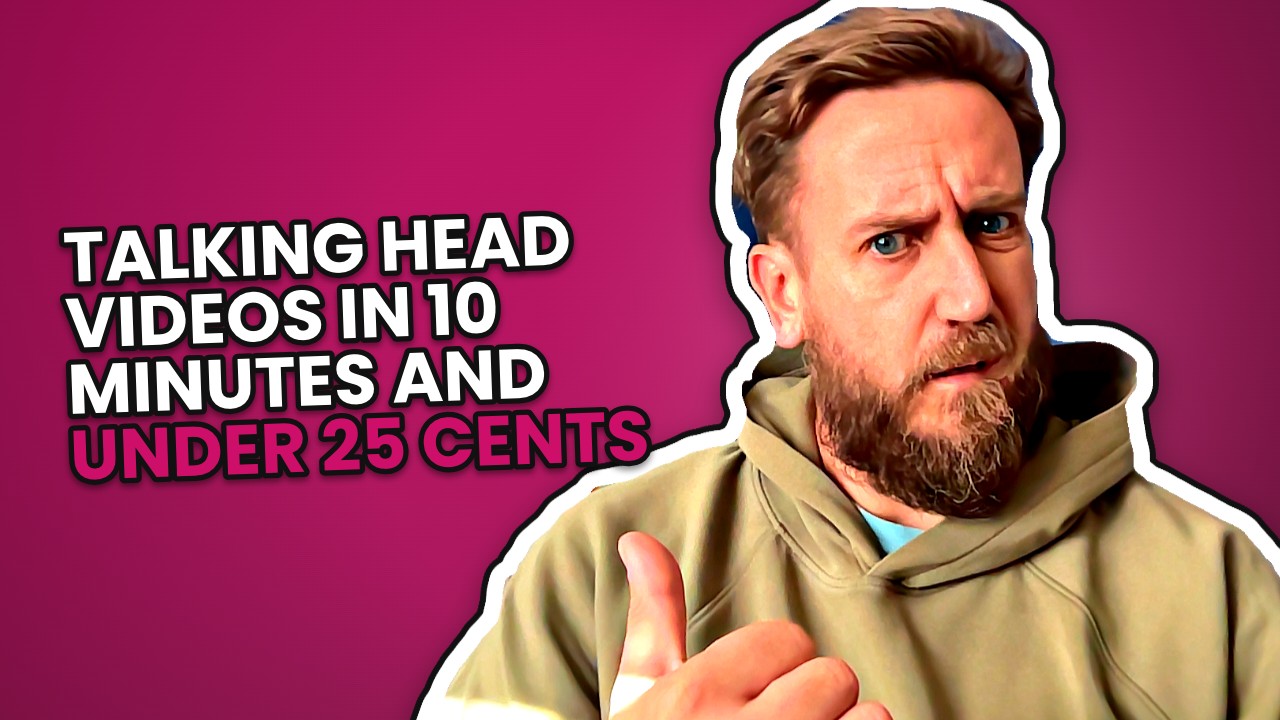
Here is the short version: a talking head video does not have to be an afternoon of your life. Answer six short prompts, film them one at a time on your phone, and let the cutting, captions and music happen without you. Under ten minutes, less than 25 cents of credit, and the only hard part left is being on camera at all.
Which is still the hard part, obviously. I am not going to pretend otherwise.
Why bother with a face on camera?
Because nothing else does the same job. Piktochart put it plainly: "Of every video format available to marketers, educators, and creators in 2026, the talking head video remains the most cost-effective way to build audience trust".
Note the two halves of that. Cheapest, and trust. Not reach, not views, not the thing that makes you famous on TikTok for a week. Trust.
Trust is the bit small businesses actually run on. Nobody books a roofer because the roofer had a lovely gradient on their quote graphic. They book because something about the person made them think: yeah, that one won't disappear with my deposit.
And a face does that in about four seconds. Your words over a stock photo cannot. A carousel cannot, not really, however good it looks. You are either a person or you are a logo, and people hire people.
Why does watching yourself back feel so grim?
I will be honest, my previous experiences of this have not been fun. The blank canvas gets you first: camera on, little red dot, and your brain goes completely empty like a fridge at the end of the month.
Then you watch it back and get the classic: do I really sound like that? Holy shit. Then: how much of this do I need to edit? Then, the one that actually kills it, the guys in the pub will batter me for this, I can't post it.
Four separate flinches, and only one of them is about the video being any good. The other three are friction and fear of your mates.
So my thinking was simple. If I can take out the friction, the blank page, the editing, the faff, then the only thing I have left to worry about is my mates in the pub laughing their arses off at me. And frankly, if it is easy to make, I can spend the time I saved thinking of ways to respond to them.
That trade is the whole point. You cannot remove the self-consciousness, nobody can, and anyone who says they can is selling something. I have written about that corner of it before in imposter syndrome and social media. But you can absolutely remove the three hours of trimming silences in a timeline, and that is usually what stops people on video two, not video one.
What does ten minutes actually look like?
Roughly this.
- Pick what the video is. A short script in six parts, an answer to a question customers ask you constantly, an interview with someone, or just you talking over one of your own photos.
- The words appear at the top of the screen like a prompter, so there is no blank canvas and no memorising.
- Sound check first, then film each part on its own. Fluff the third bit? Do the third bit again. You are not re-recording the whole thing because you sneezed at the end.
- Each take gets a quick check for sound, light and framing, so you find out now, not after you have done all six.
- Press go and it is transcribed, the long pauses and ums are cut, captions follow your words, the framing drifts gently and keeps your face in shot, your voice gets cleaned up, music goes under it.
Filming six short parts is three or four minutes if you are not precious about it. The rest is choosing.
The six part script, by the way, is a decent shape for almost anything: hook, problem, proof, how it works, what changes, the ask. It stops you doing the thing we all do on camera, which is to talk for ninety seconds and never once mention what you want the person to do next.
What if it comes out wrong?
Then you fix the one bit that is wrong, rather than the whole thing.
You can go through the finished video a caption, card or line at a time, with a little picture of each, see it on the preview, and change it right there. A caption spelled your trade body's name wrong. A number on a card is out of date. A step reads clumsily. Fix that, leave everything else alone.
There are four looks and swapping between them is free, which matters more than it sounds. Showcase is bold, in your colours. Editorial is quiet, clean white pages, good for anyone in finance or clinical work who would rather not look like a nightclub flyer. Infographic puts you in a circle in the corner with each point beside you. Punchy is you full screen with big loud captions a few words at a time, emojis, red arrows on the words that matter.
Same filming, four completely different videos. If Punchy makes you wince, try Editorial and see if you still hate it, or if you just hated the shouting.
And if you want more control there is an editor: trim, reorder or drop parts, fill gaps, lay photos over the top, set the music. Most people never open it. It is there for the ones who will.
Where Zoshl actually helps, and where it doesn't
Talking head is in early access, so I will be straight about it. Zoshl does the awkward middle: the prompter so you are not staring at a blank lens, the per-take check, the transcription, cutting the ums and the long pauses, captions, the gentle framing, voice clean-up, music, and cards for numbers, steps, before and after, and customer reviews appearing as you say them.
It writes in your business's voice, from what you have told it, and it will not invent a number, a price, a review or a story. Figures come from facts you recorded with a source, or real facts found on the web for that piece. Things you would never say stay unsaid. Wording you must include stays in.
You get the full screen video, a 4:5 version for the feed, a cover picture and a subtitles file for LinkedIn, YouTube and Facebook. If you need someone else on camera, a colleague, a happy customer, send them a filming link and they film their parts on their own phone with no account.
What it does not do: make you comfortable on camera, or post for you. You still press publish. Zoshl is the bit between the idea and the file, not the bit between the file and the world.
I built it because every tool I tried got me most of the way and then wanted me to buy something else for the last bit. So I kept building until it did what I actually wanted. If it is useful to you too, great. There is more detail on how it all works in the help centre.
The trust thing, in real life
We had some garden landscaping done a few years back. Looked on Checkatrade in a few places, got some quotes in, then did what everyone does and had a nose at their social media profiles just to see if there was anything there.
One of them was reasonably active. And on that profile we spotted that somebody we knew followed them. So we messaged that person, and they gave a glowing review.
Here is the bit that sticks with me. If that landscaper had no social presence, our friend would never have followed them, and we would never have known the connection existed. Word of mouth and social media together made the decision for us. There was, for want of a better phrase, trust juice flowing that way.
That is what Piktochart's line about trust is pointing at, I think. A face on camera is just the fastest way to turn on the tap.
Try this
Pick the question you answer on the phone most often. Not a clever one. The boring one, the one you could answer half asleep.
Film the answer in six short parts, do not watch it back more than twice, and post it. Judge the second video, not the first. The first one is always the worst one you will ever make, which is quite a cheerful way to think about it.
And if the pub lot have a go, well, you had seven minutes spare to think of a comeback.
Questions people ask
Do I need a proper camera or microphone?
No, a phone or a laptop is fine. Zoshl runs a sound check before you start and checks each take for sound, light and framing, so you find out about a problem while you can still re-film that part. Your voice gets cleaned up afterwards anyway.
What if I fluff one part of the script?
You film a part at a time, so you only re-film that part, not the whole video. Afterwards, long pauses and ums are cut automatically, and you can go through the finished video one caption or card at a time to fix anything that reads wrong.
Can someone else be on camera instead of me?
Yes. You can send a filming link to anyone, a colleague, a partner, a customer, and they film their parts on their own phone without needing an account. There is also an interview format for two people.
Will the video say things about my business that are not true?
Zoshl does not invent numbers, prices, dates, quotes, reviews or stories. Figures come only from facts you have recorded with a source, or real facts found on the web for that piece, and any wording you have said you would never use stays out.
What files do I get at the end?
The full screen video, a 4:5 version for the feed, a cover picture, and an .srt subtitles file for LinkedIn, YouTube and Facebook. On a phone you can share it straight to Instagram, TikTok or WhatsApp.
Sources
- Piktochart, Piktochart blog, 2026: piktochart.com/blog/talking-head-video/
Make your next week of posts in minutes
Zoshl writes and designs social media posts, carousels and videos in your own voice and colours.
See how it works